


 Asset Management
Software & License Management
The Software and License Management feature allows organizations to track installed software across their infrastructure and manage the licenses associated with that software.
GLPI maintains a centralized list of detected software, their versions, and the licenses associated with them. This allows administrators to understand which software is installed on managed assets, how licenses are used, and whether the organization remains compliant with internal policies or external regulations.
Software Inventory
GLPI automatically collects information about installed software on managed devices with the GLPI Agent installed. This information becomes part of the asset inventory and allows users to see which applications and versions are present across the infrastructure.
The system maintains a list of all detected software items and associates them with the devices where they are installed. Each software entry belongs to an entity and can include multiple versions. This provides visibility into:
Software installed on servers, workstations, and other managed devices
Versions of the software currently deployed
Distribution of software across the infrastructure
When selecting an item from the Dashboard, you will be provided with a detailed view showing various attributes of the asset.
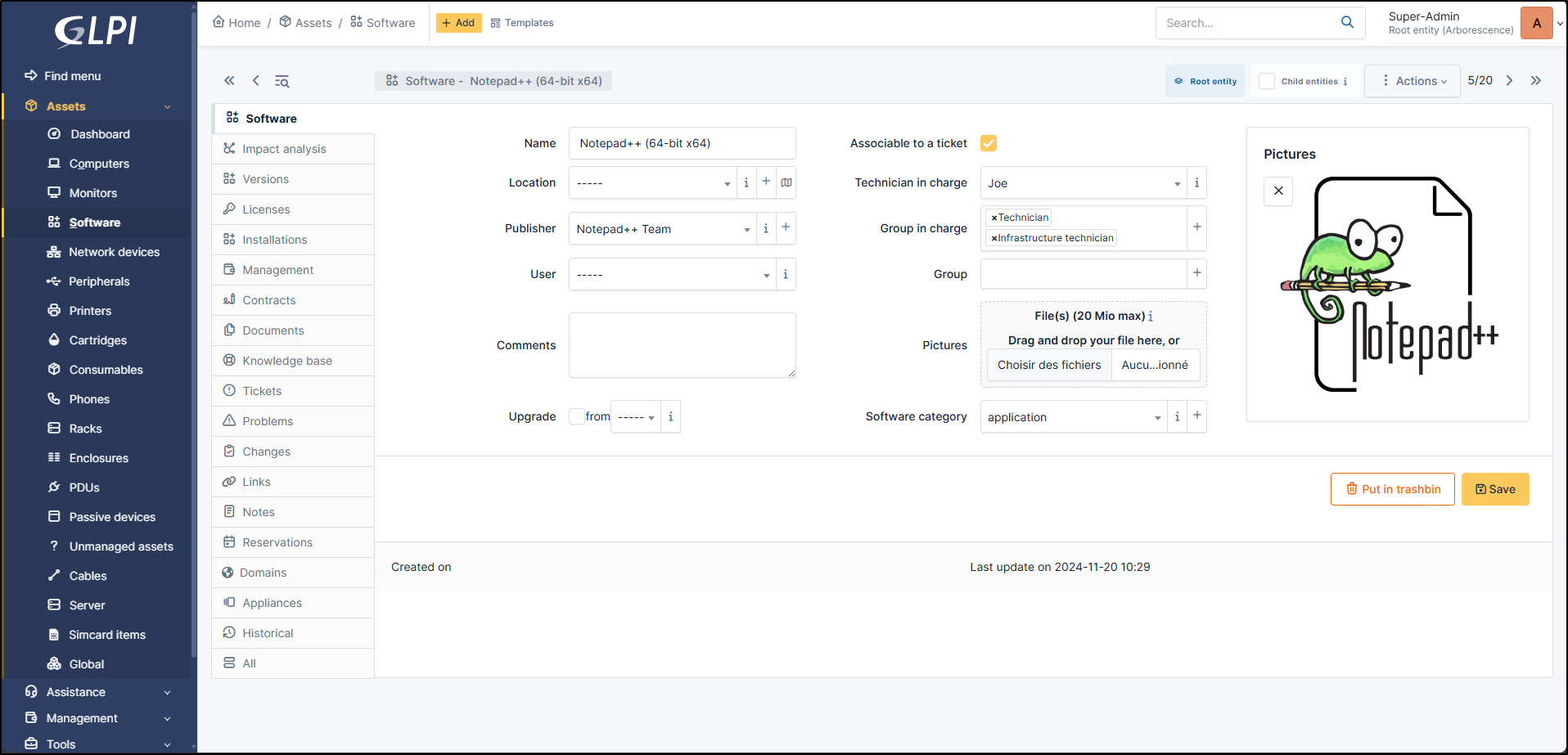
Fig. 191 Software Item detailed view.
Software Compliance Monitoring
GLPI allows you to define which software is authorized within the organization.
Using the Software dashboard, you can view a full list of detected software and identify whether each item is marked as authorized or unauthorized.
This allows you to monitor the state of the software environment and identify items that may require review or removal.
Maintaining visibility over installed software is also important for organizations that must comply with regulatory frameworks such as the NIS2 directive. These regulations require organizations operating critical or important services to maintain control over their IT environments and reduce risks related to unauthorized or unmanaged software.
By identifying software that is not approved for use, you can take corrective actions and reduce potential security exposure.
License Management
Licenses are managed separately from software entries and represent the usage rights for a given product.
GLPI allows licenses to be inventoried and associated with software products and versions. Each license can contain financial and administrative information, such as purchase details, cost, and validity period.
Licenses can be assigned to users or specific assets (such as computers or servers). This makes it possible to track who is using a license and how many licenses remain available.
When selecting a License item in a License Dashboard, you will be provided with a detailed view showing various attributes of the License.
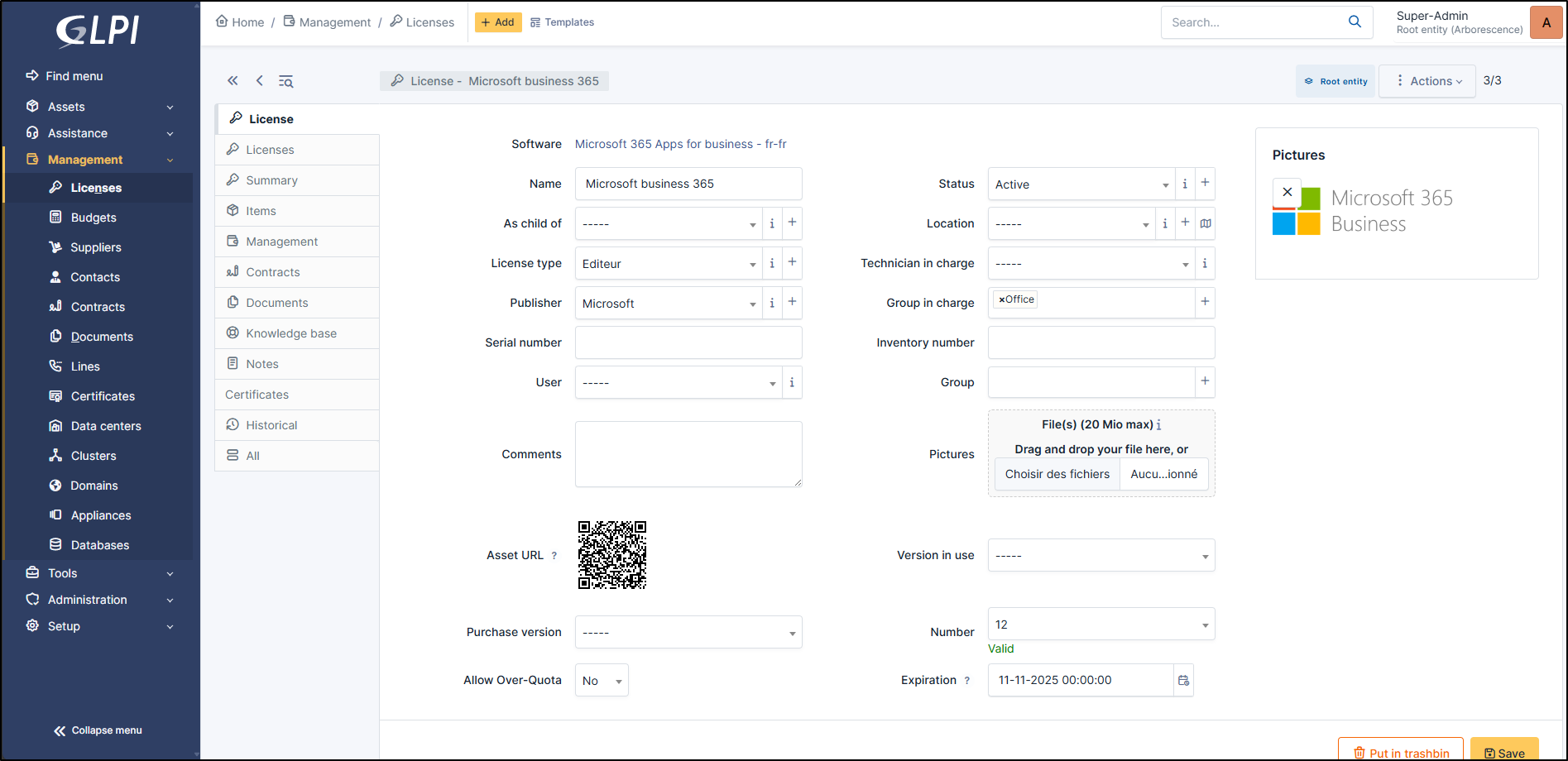
Fig. 192 Software Item detailed view.
License Tracking and Alerts
Administrators can register purchased licenses in the system and assign them to detected users or assets.
Once licenses are associated with software installations, GLPI provides visibility into license usage across the infrastructure. This allows organizations to monitor how many licenses are available and how many are currently in use.
NetEye.Cloud also allows configuration of alerts based on the data received from GLPI, for example when:
A license is approaching its expiration date
The number of available licenses is close to being exhausted
These alerts help administrators anticipate license renewals and maintain compliance with licensing agreements.

